
Print Again · Android
Your old printer isn’t dead.
Bring your old printer back to life: print from Android, no driver needed
Your old laser printer isn’t dead. Since Google Cloud Print shut down (end of 2020) and the Dell Document Hub app (Dell Mobile Print) was retired (November 2021), many older printers can no longer print from a phone: Print Again brings them back to life.
Coming soon on Google Play
In three steps
- Step 1
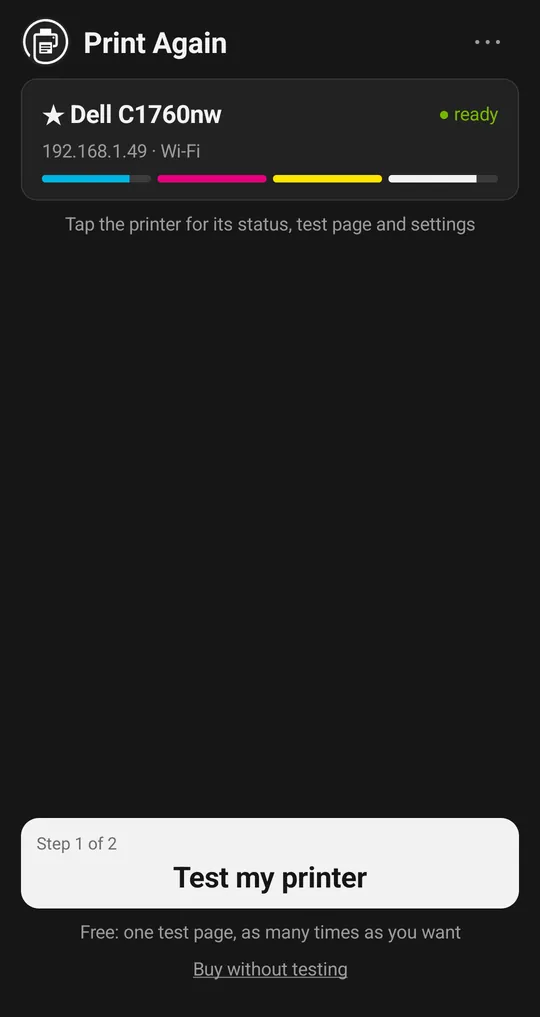
Test for free
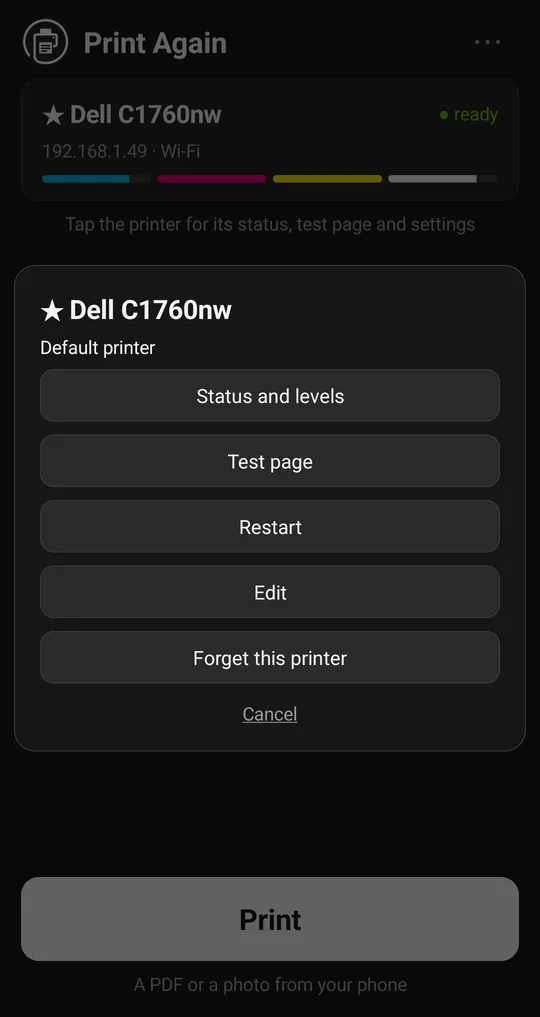
The app finds the printer on your Wi-Fi and prints a test page. If it comes out, your printer is compatible.
- Step 2
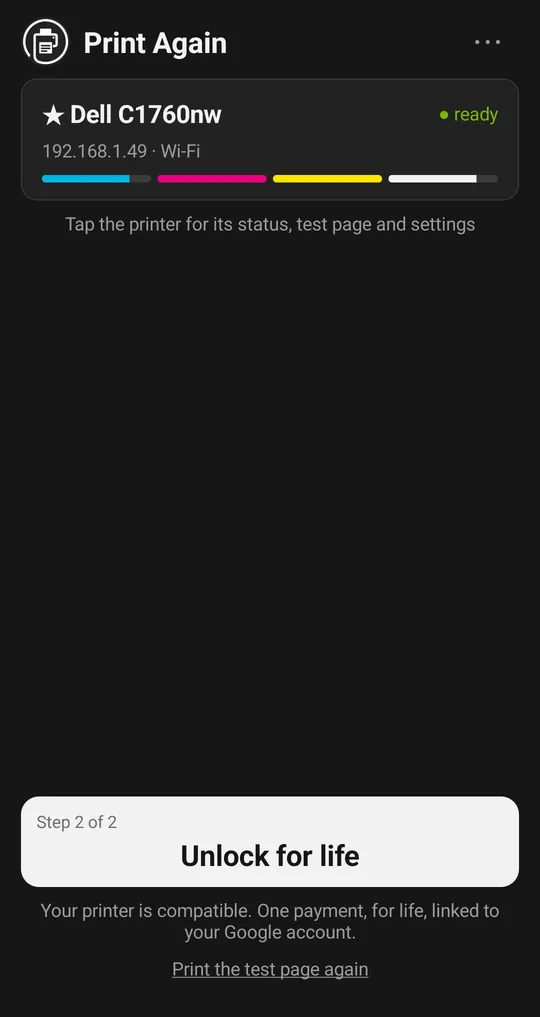
Unlock for life
A single payment of €4.99, tied to your Google account: no subscription, no ads, and it comes back on its own on a new phone.
- Step 3
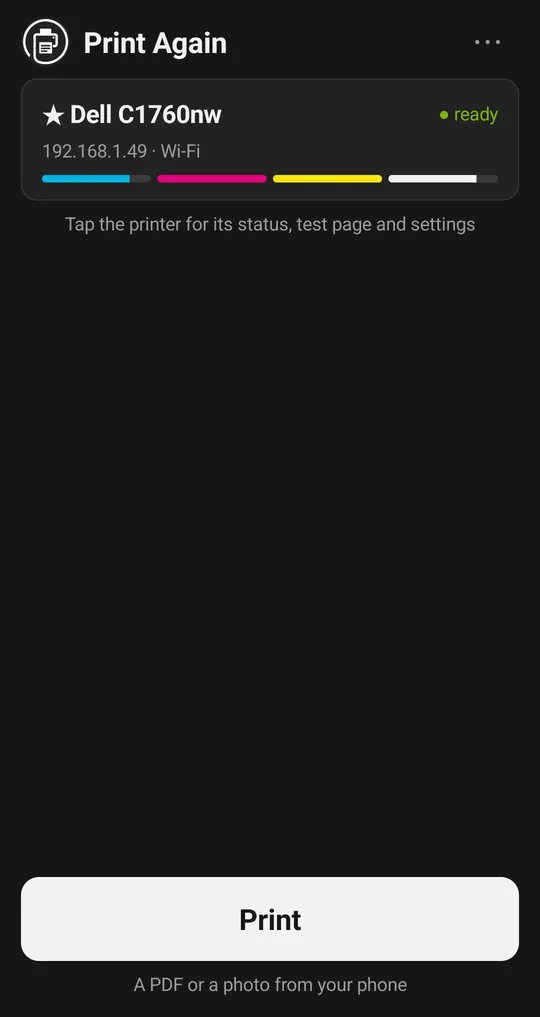
Print
From the app, or from Photos, Chrome, a PDF and any other app, with “Print” or “Share”.
Compatible printers
Tested on paper with the Dell C1760nw. Same printing language, with exactly the same verified data: Dell C1660w ; Xerox Phaser 6000 and Phaser 6010 ; Fuji Xerox DocuPrint CP105b and DocuPrint CP205 ; Epson AcuLaser C1700 and AcuLaser C1750.
New, to be confirmed: Dell 1355cn, 1355cnw, C1765nf and C1765nfw ; Xerox WorkCentre 6015 and WorkCentre 3045 ; Fuji Xerox DocuPrint CM205, DocuPrint P205 and DocuPrint M215 ; Epson AcuLaser M1400 ; HP LaserJet Pro M1212nf, LaserJet Pro M1217nfw, LaserJet P1505n, LaserJet P2014n, LaserJet P1102w, LaserJet P1606dn and Color LaserJet CP1025nw. The free test page shows whether it works before any purchase; please tell us at contact@pairping.com whether it works for you.
Printing only: no scanning, no fax. Android 7 or later is required.
Your documents stay with you
Print Again collects no personal data. Your documents only leave your phone to go to your printer, on your local network. No account, no ads, no analytics.
Dell, HP, Xerox, Fuji Xerox and Epson are trademarks of their respective owners. Print Again is not affiliated with or endorsed by them; their names are only used to describe compatibility.
Privacy policy · Terms of use · contact@pairping.com